Individual
Your information, organized.
$11.99/month
for your first 2 months
$19.99/month after
- Screenshot capture
- PDFs, images & spreadsheets
- Unlimited custom projects
- Ask your projects
- CSV / Excel exportsoon
Nothing already has the context. Screenshot anything on your screen, add a few words if you want, and press Enter.
Windows 10/11 · macOS coming soonNo copying. No pasting. No explaining what you’re already looking at. Add a few words when you want. Press Enter when you don’t.
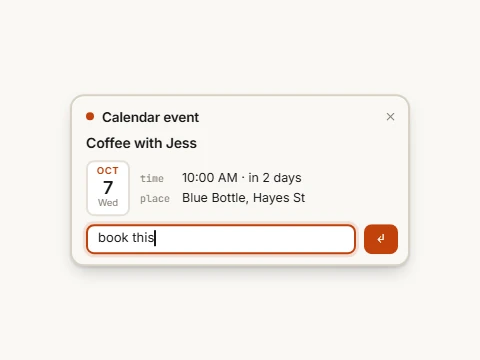
book this. Or nothing at all.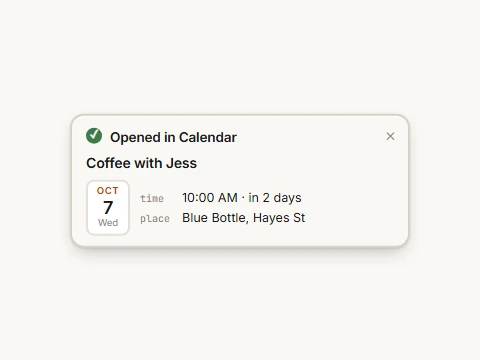
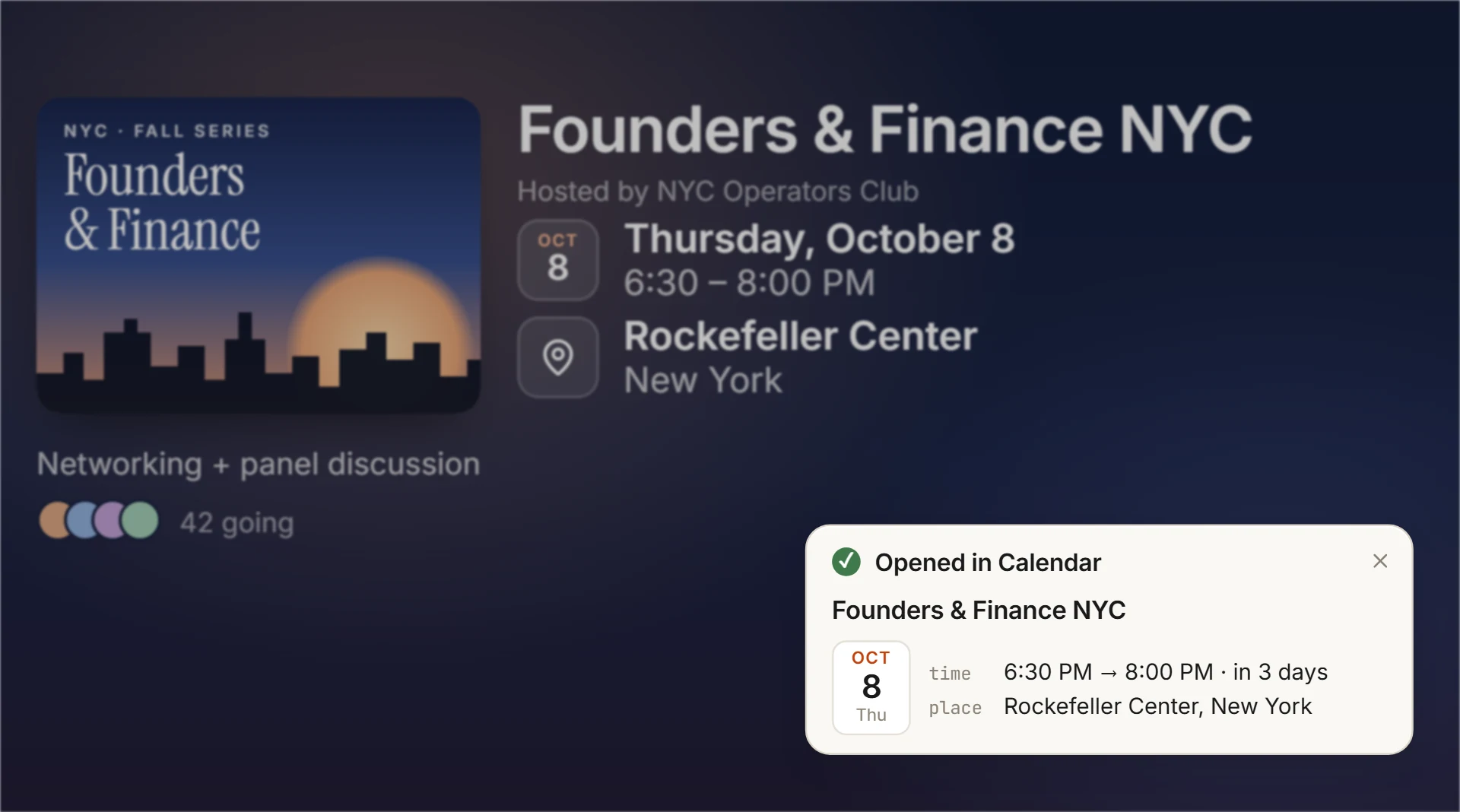
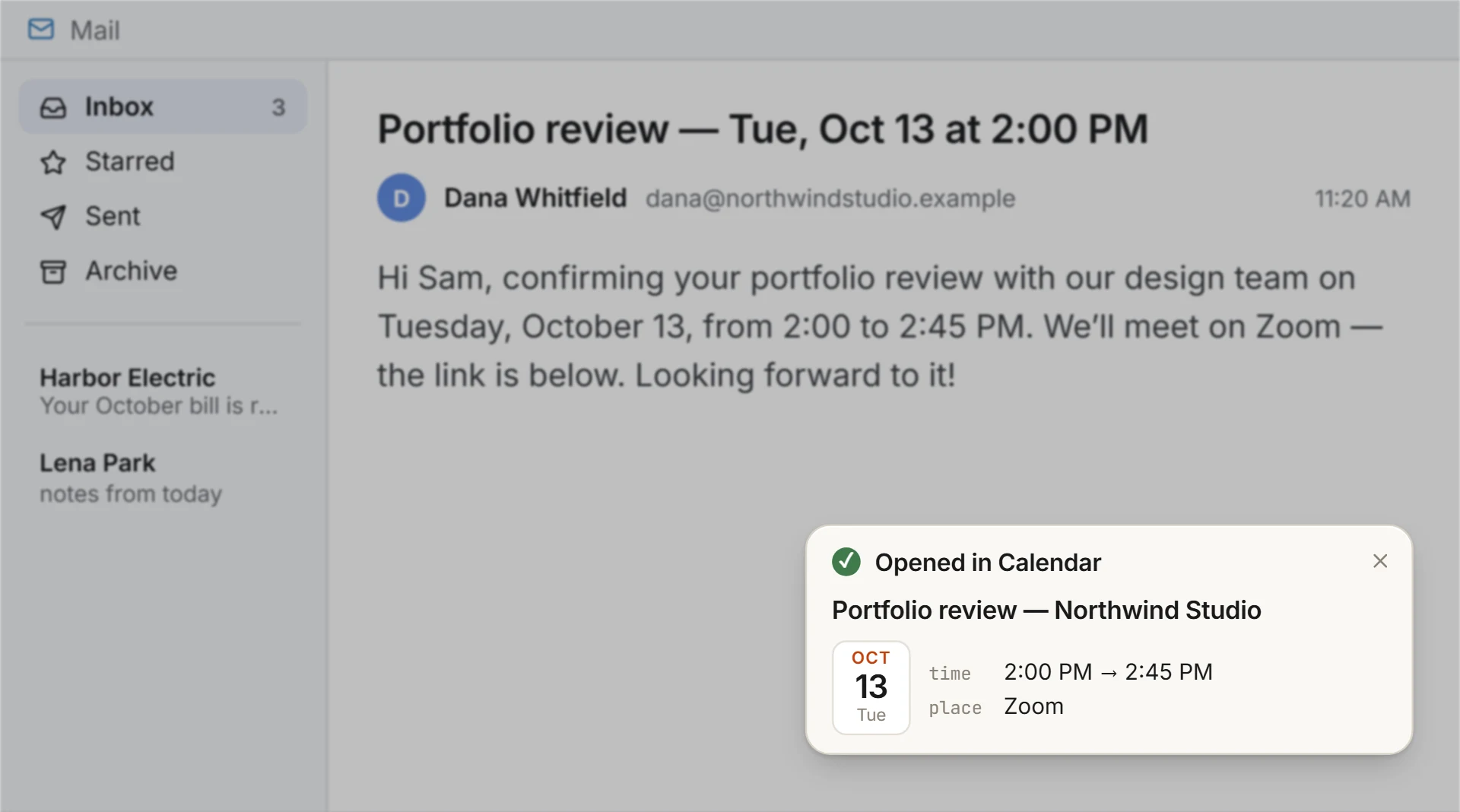
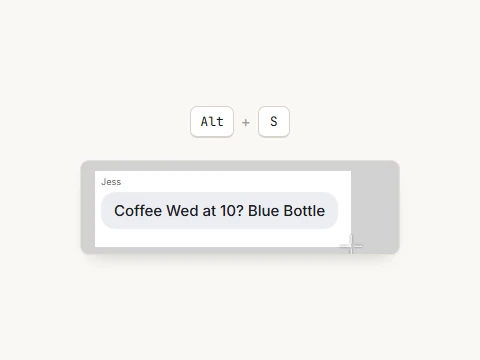
See an event anywhere on your screen. Snip it, add context if you want, and press Enter.
Your calendar opens with the event filled in.
Nothing can recognize dates, deadlines, and commitments from what you capture. When it already knows what you mean, just press Enter.
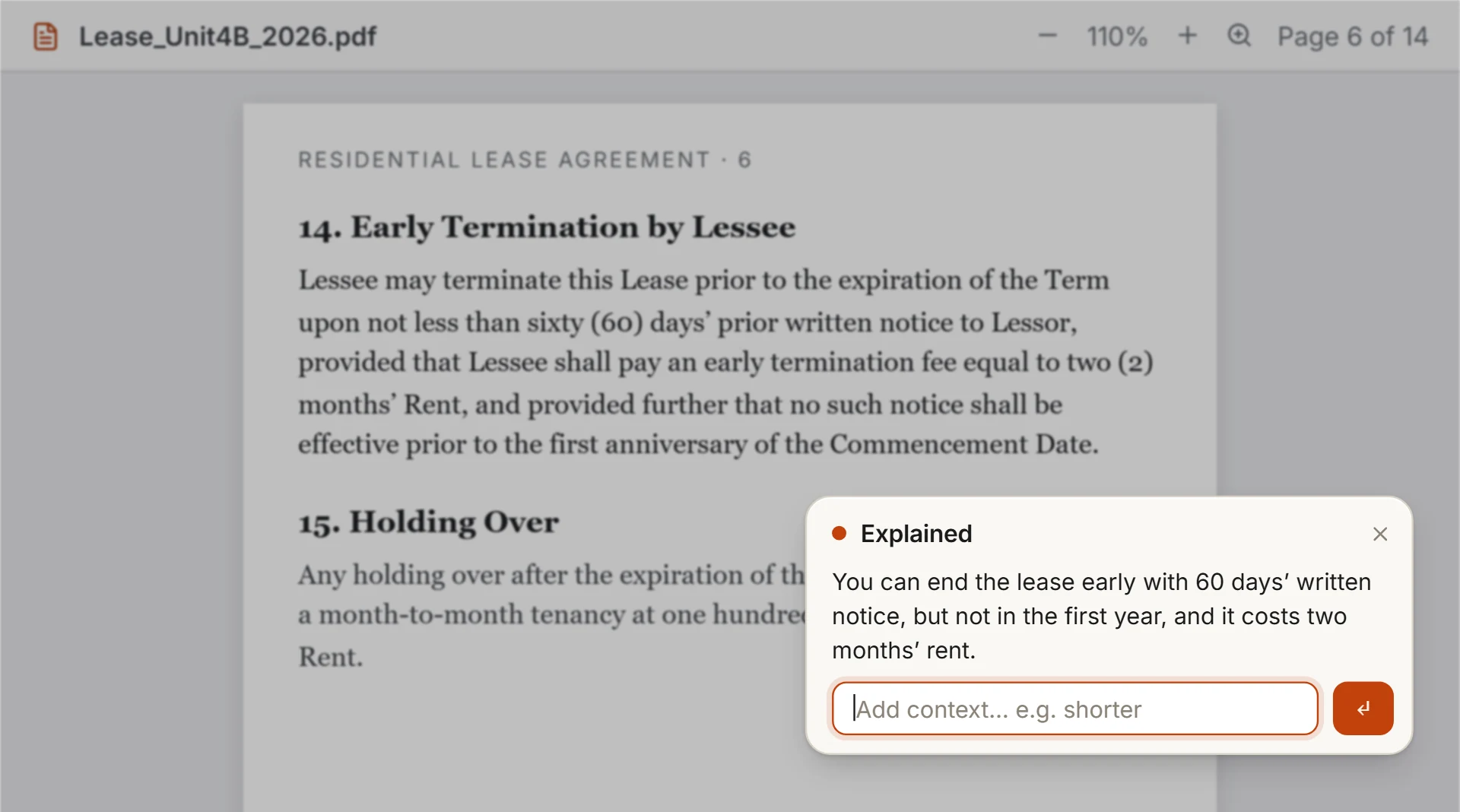
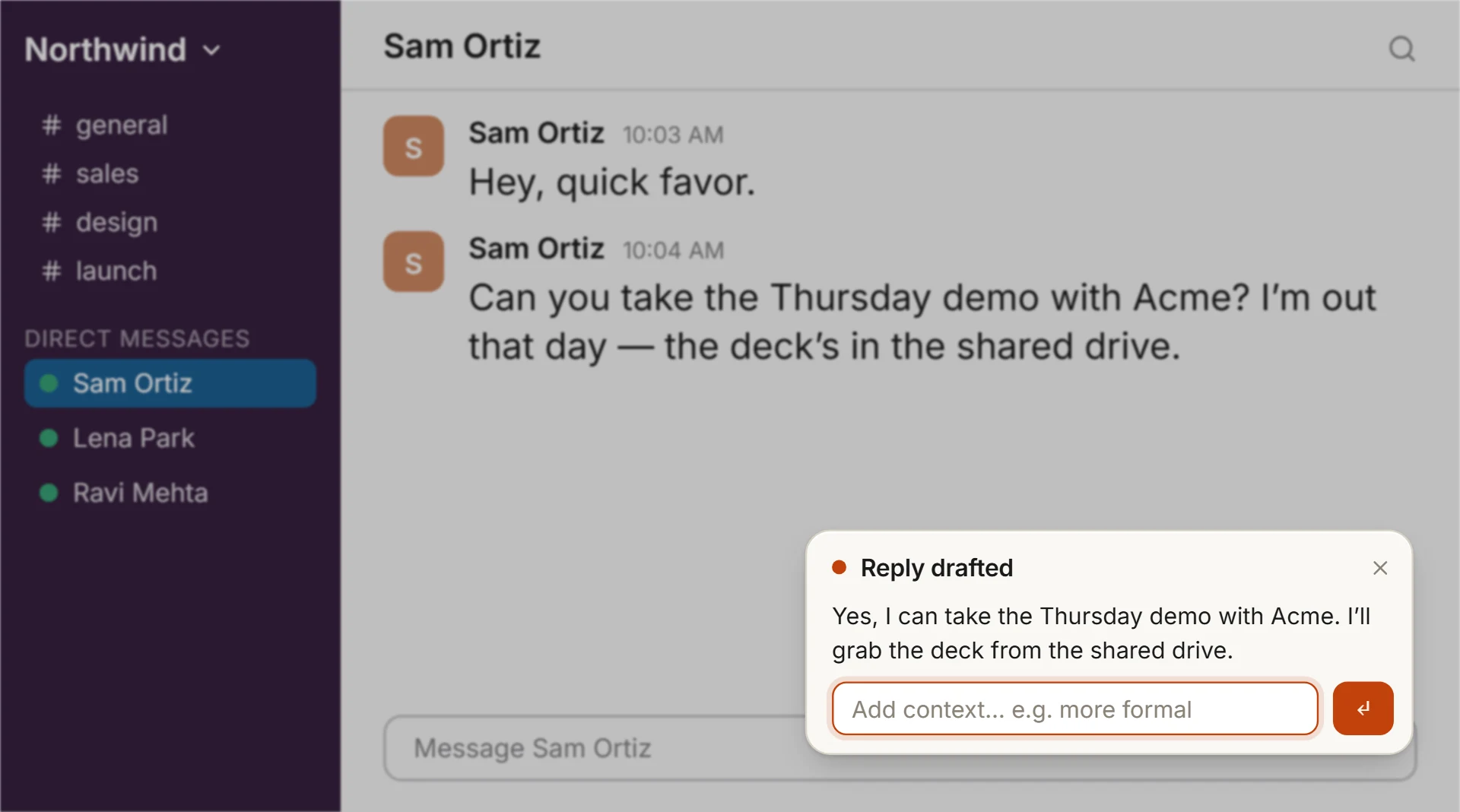
Screenshot a message, email, document, or anything confusing. Type explainand Nothing already knows what you’re referring to.
Nothing already has the thread. Tell it the tiny part it couldn’t know — reply yes, make polite, or whatever you mean.
It drafts the reply for you to copy. Nothing is sent.
Nothing works where you already work. Capture what’s on your screen instead of moving it into another app first.
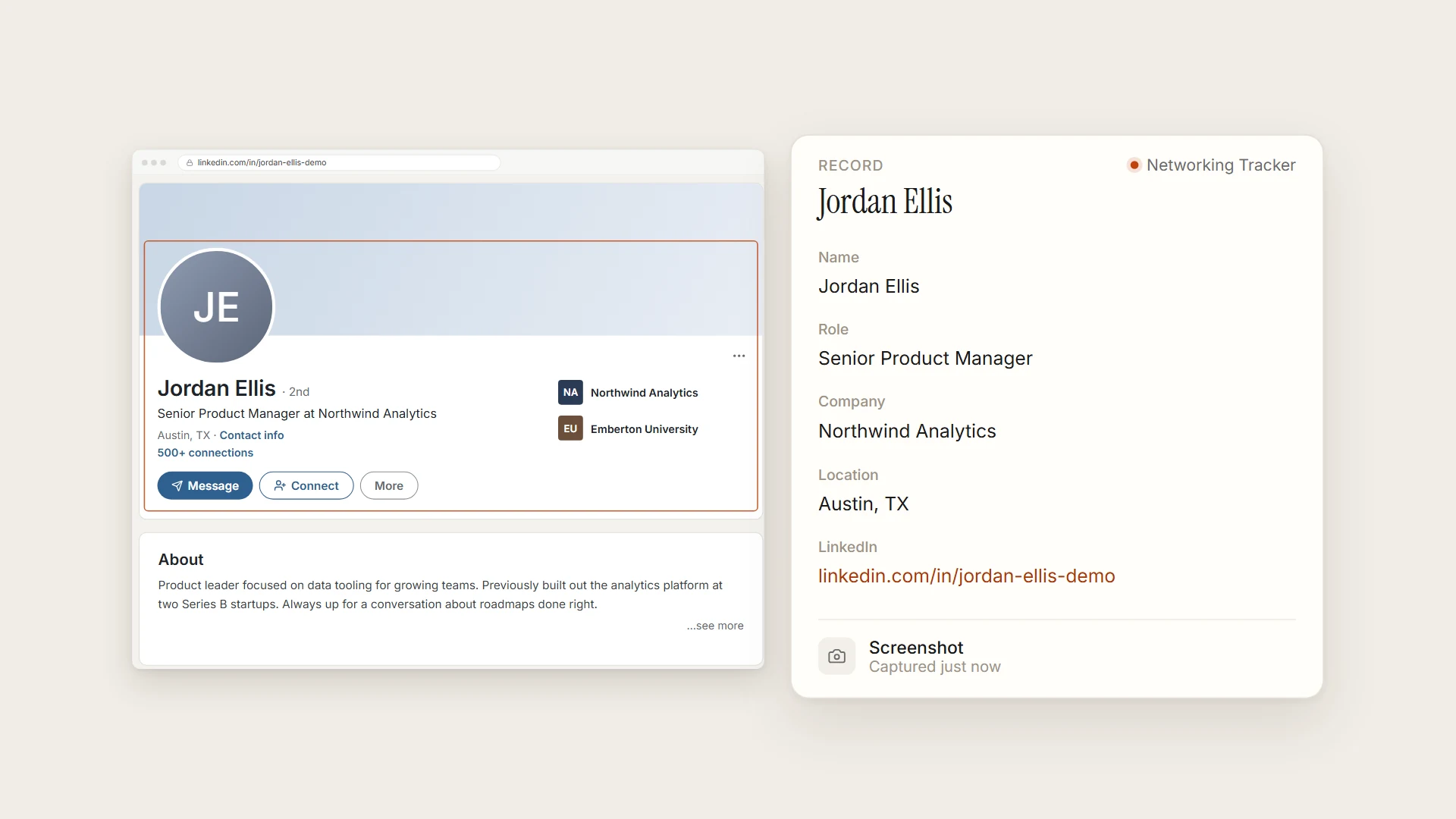
Quick Actions handle what’s in front of you. Projects turn what you capture into structured information you can keep, organize, and return to.
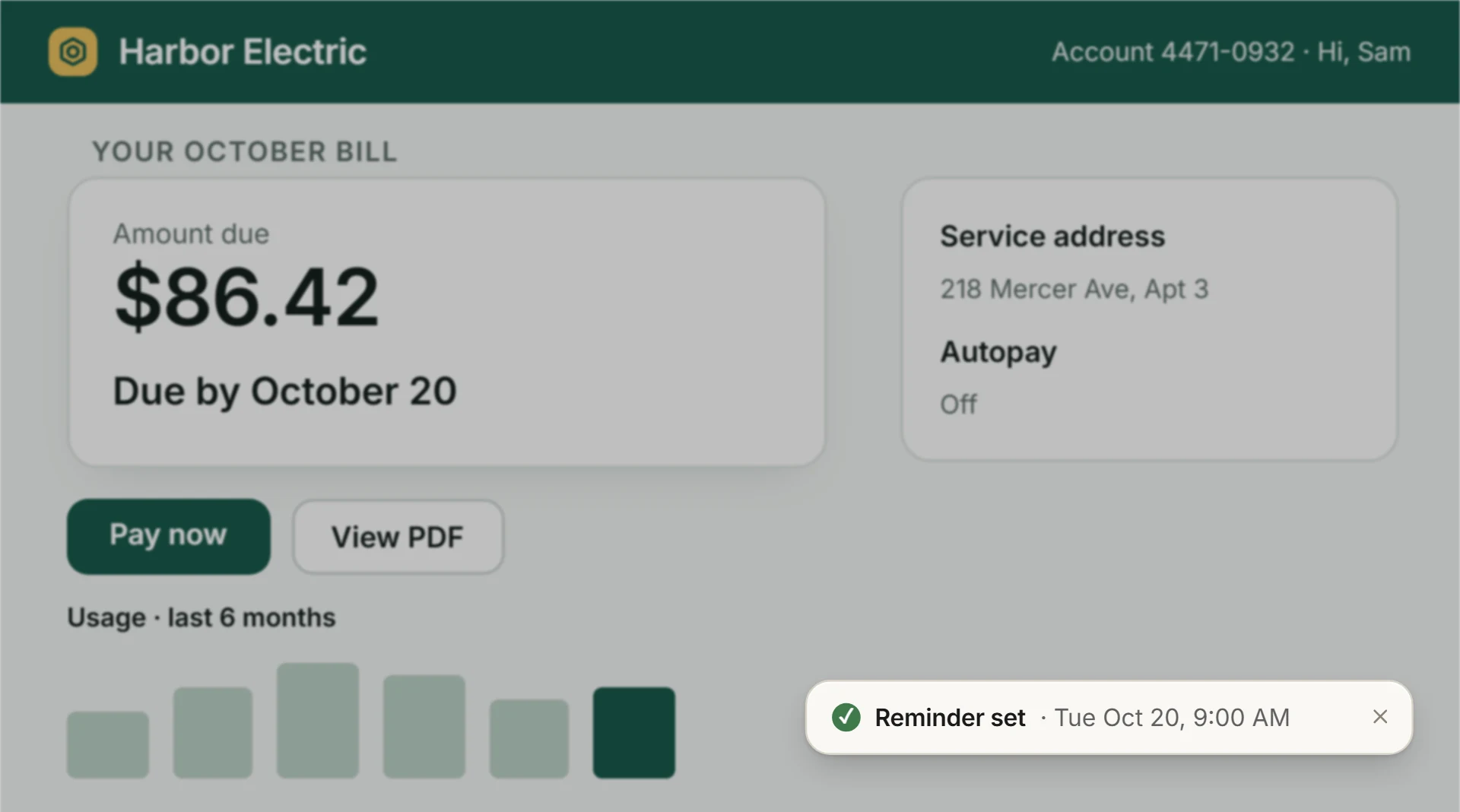
Send the event to your calendar, set the reminder, understand the message, draft the reply — then get back to what you were doing.
Profiles, jobs, listings and papers become rows in a table you describe once — each one tied to the screenshot or file it came from.
Your information, organized.
for your first 2 months
$19.99/month after
Your team's information, connected.
for your first 2 months
$99.99/user/month after
Nothing only captures when you press the shortcut or add a file. There’s no background recording.
Your projects and their sources are saved on your PC, each record tied to the source it came from.
Delete any record or remove any source whenever you want.
To read a capture, Nothing sends it to its AI provider for processing. Read the privacy policy
Windows 10/11 · auto-updates · macOS coming soon